Main Screen
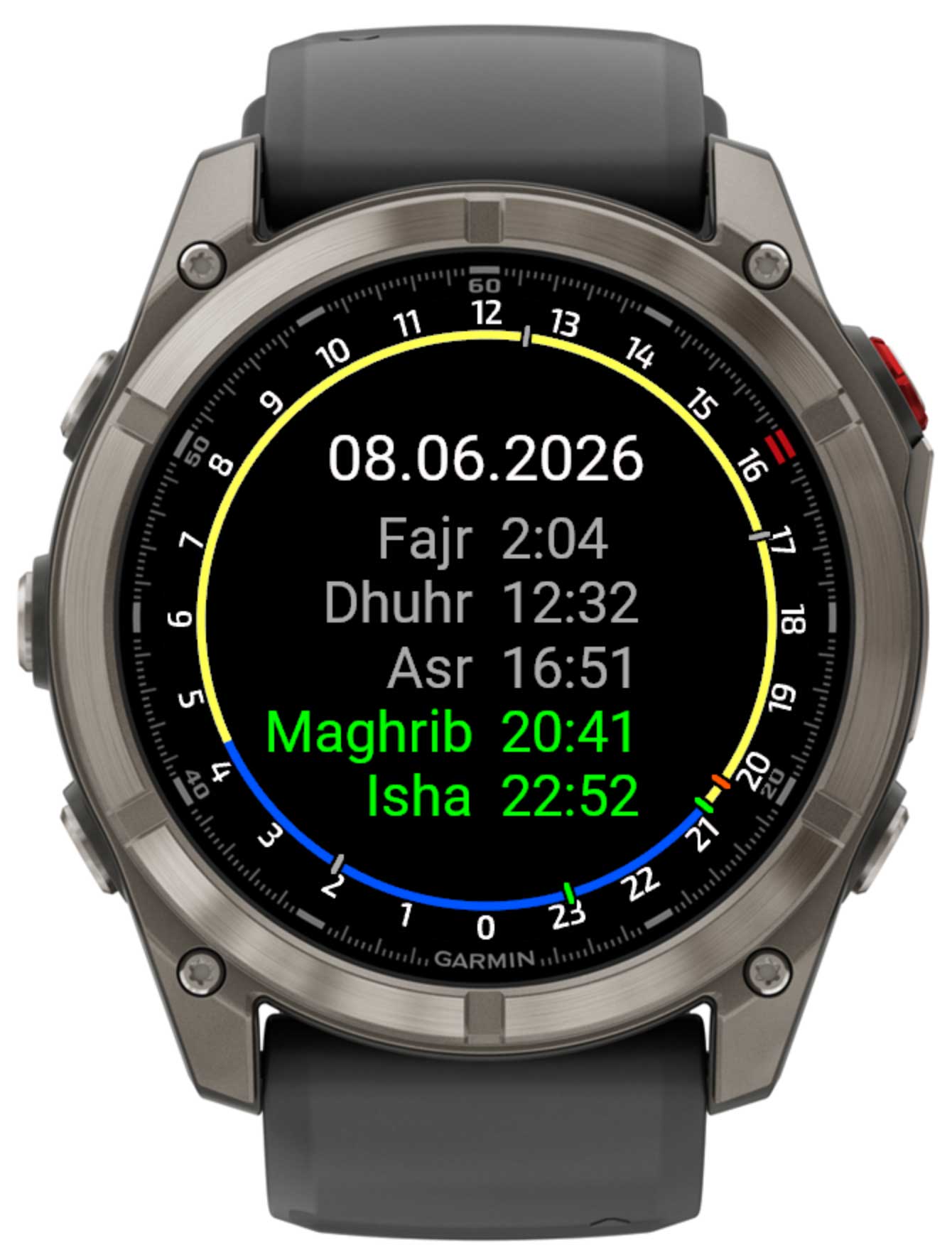
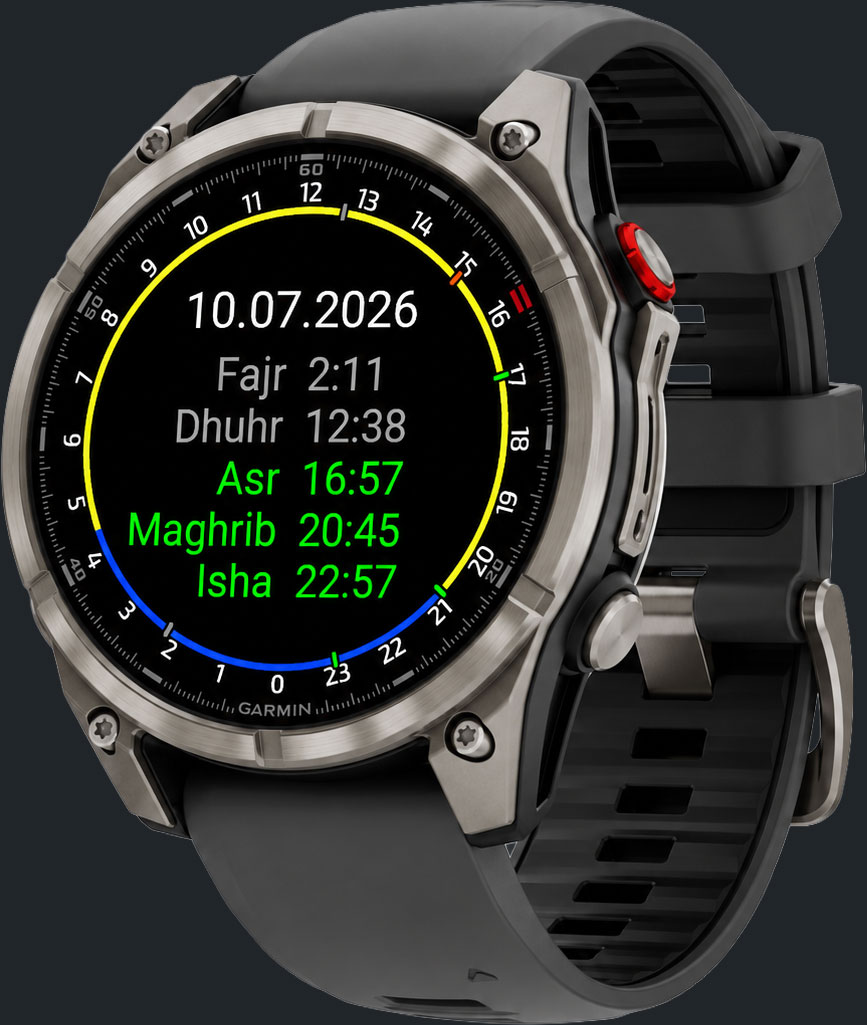
The main screen shows a circular 24-hour clock face. Each element has a specific meaning:
- Dial A circle with 24 hour markers (0–23) arranged around the edge. 12 is at the top.
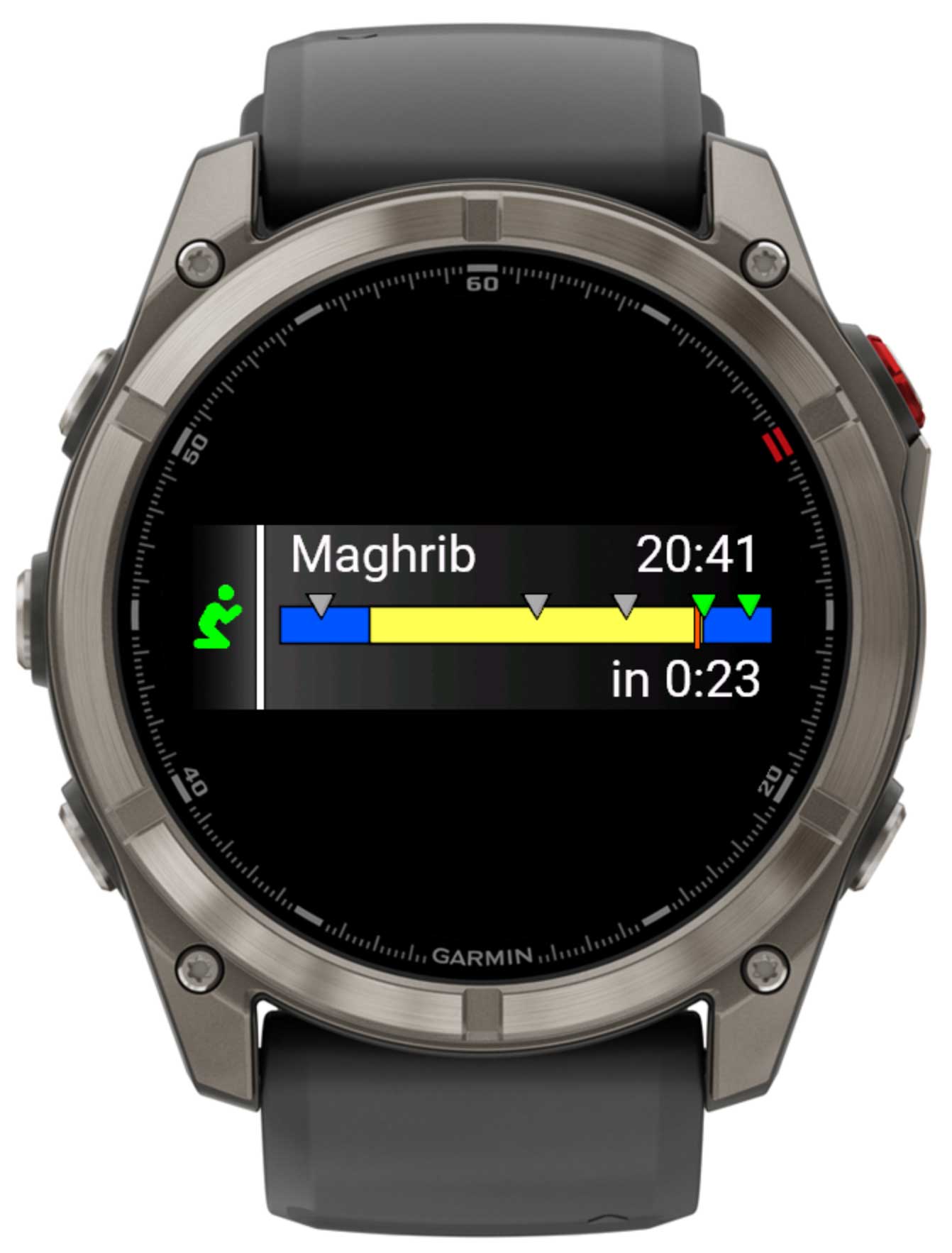
- Yellow arc The daytime arc from sunrise to sunset.
- Orange tick The current time indicator on the dial.
- Green tick A prayer time that has not yet passed today.
- Grey tick A prayer time that has already passed.
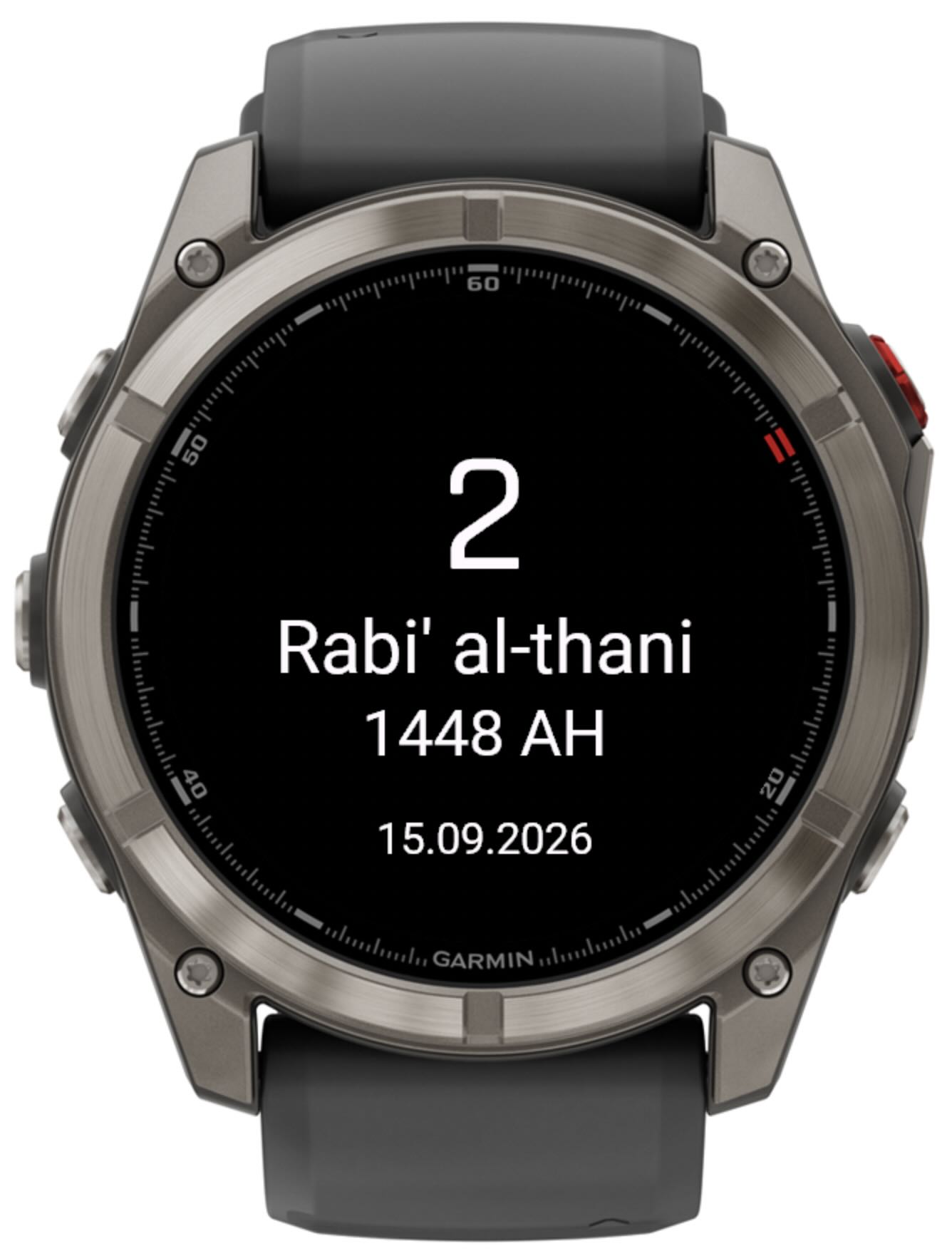
Below the dial, the five prayer names and their times are listed in order: Fajr, Dhuhr, Asr, Maghrib, and Isha. The current date is shown in the upper part of the screen — as a Gregorian date, or as a Hijri date if selected in settings. Prayer times follow the time format chosen in settings (24-hour or 12-hour, with or without a leading zero).
Prayer times
| Prayer | Description | Default calculation |
|---|---|---|
| Fajr | Dawn — begins at astronomical twilight before sunrise. | Solar depression angle (default 18°) |
| Dhuhr | Midday — when the sun crosses the local meridian. | Solar noon |
| Asr | Afternoon — when shadow length equals object height (Standard) or twice the object height (Hanafi). | Standard / Shafi'i, 1 shadow (Hanafi, 2 shadows, selectable) |
| Maghrib | Sunset — just after the sun sets below the horizon. | Minutes after sunset (default: 0 min) |
| Isha | Night prayer — when darkness is complete. | Solar depression angle (default 17°) |